








 Back to M07-เครื่องทำเครื่องหมาย (CNC Marking)
Description
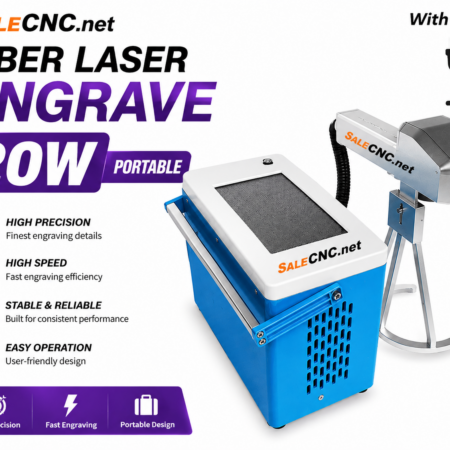
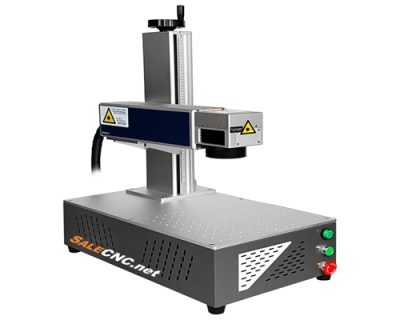
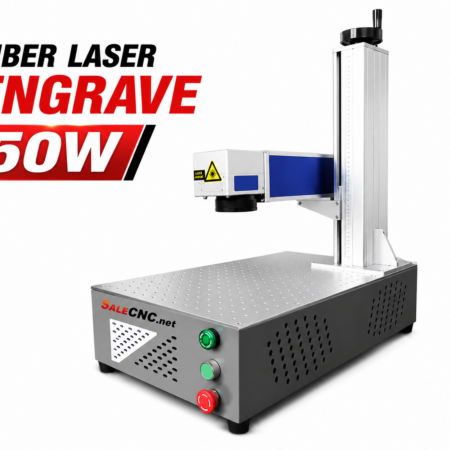
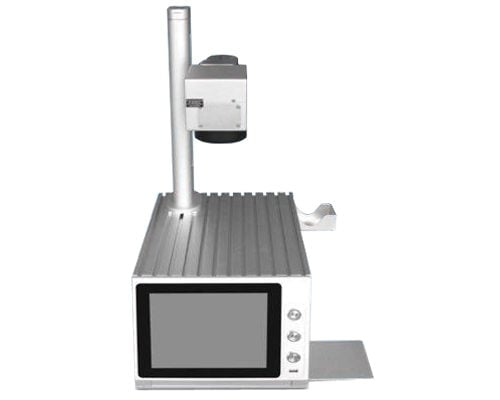
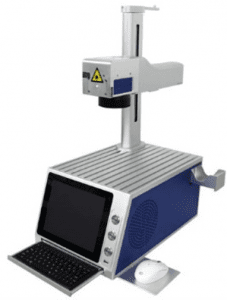
MZF-20B CNC Fiber Laser Engraver – 20W
The MZF-20B Fiber Laser Engraver offers a convenient and efficient solution for marking and engraving a wide variety of materials. Utilizing a 20W fiber laser source, this system is designed for precision and longevity, boasting an operational lifespan of up to 100,000 hours.
This machine is capable of marking and engraving text, patterns, and designs on numerous substrates including steel, aluminum, stainless steel, plastics, and acrylics. However, it is not suitable for transparent materials such as clear acrylic or glass.
The MZF-20B operates on Windows 10, 8, 7, and XP (64/32-bit) operating systems, utilizing the EZCad software for design. It supports various file formats including *.ai, *.dxf, *.plt, *.dst, *.svg, *.nc, and *.g.


Specifications
- Machine Type: Fiber Laser Marking Machine
- Power Output: 20 Watts
- Material Compatibility: Metals (Steel, Zinc, Aluminum, Stainless Steel) and Non-Metals (Wood, Plastics, Fabric)
- Operational Speed: High-speed processing
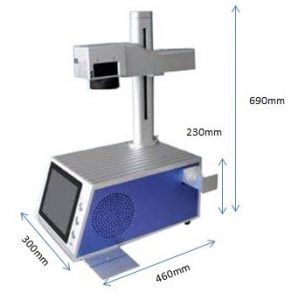
- Dimensions: 300x460x690 mm
- External Interface: USB
- Operating System: Windows 32/64-bit
- Power Requirement: 220V
| MZF-20B CNC Fiber Laser Engraver – 20W | |
|---|---|
| Weight | Approximately 22 kg |
| Overall Size | 300x460x690 mm |
| Frame Material | Aluminum structure |
| Power Supply | 220V; 50/60Hz |
| Software User | Mac Laser |
| External Socket | USB |
| System | WINDOWS 32/64bit |
Brochure Download
Optional Accessories: Rotary Axis
The fourth axis (rotary device) is available for engraving cylindrical objects.
- D80 Rotary Device – 80mm chuck, Nema34 motor, adjustable angle. Additional cost: 39,000.-
- D100 Rotary Device – 100mm chuck, Nema34 motor, adjustable angle. Additional cost: 45,000.-


Software
EZCad Software for Fiber Laser Engrave
Instructional Videos
Assembly Video: Anyone can operate this Fiber Laser 20W
Setup and Operation Video: Setup and use laser 20W
Engraving Example: Example engraving on a pen.
Sample Works:

Manuals & Software Guides
EZCAD Software Manual: Click for Manual
EZCad Installation Guide: Installation of EZCad software for salecnc.net laser marking machines.
EZCad Usage Guide Part 1: Usage of EZCad software for salecnc.net laser marking machines.
EZCad Usage Guide Part 2: Usage of EZCad software for salecnc.net laser marking machines.
สนใจหรือติดต่อสอบถาม โทร082-972-9329 (จิมมี่)
083-256-5981 (โกมินทร์)
E-mail : [email protected]